
1
Concept & Character Design
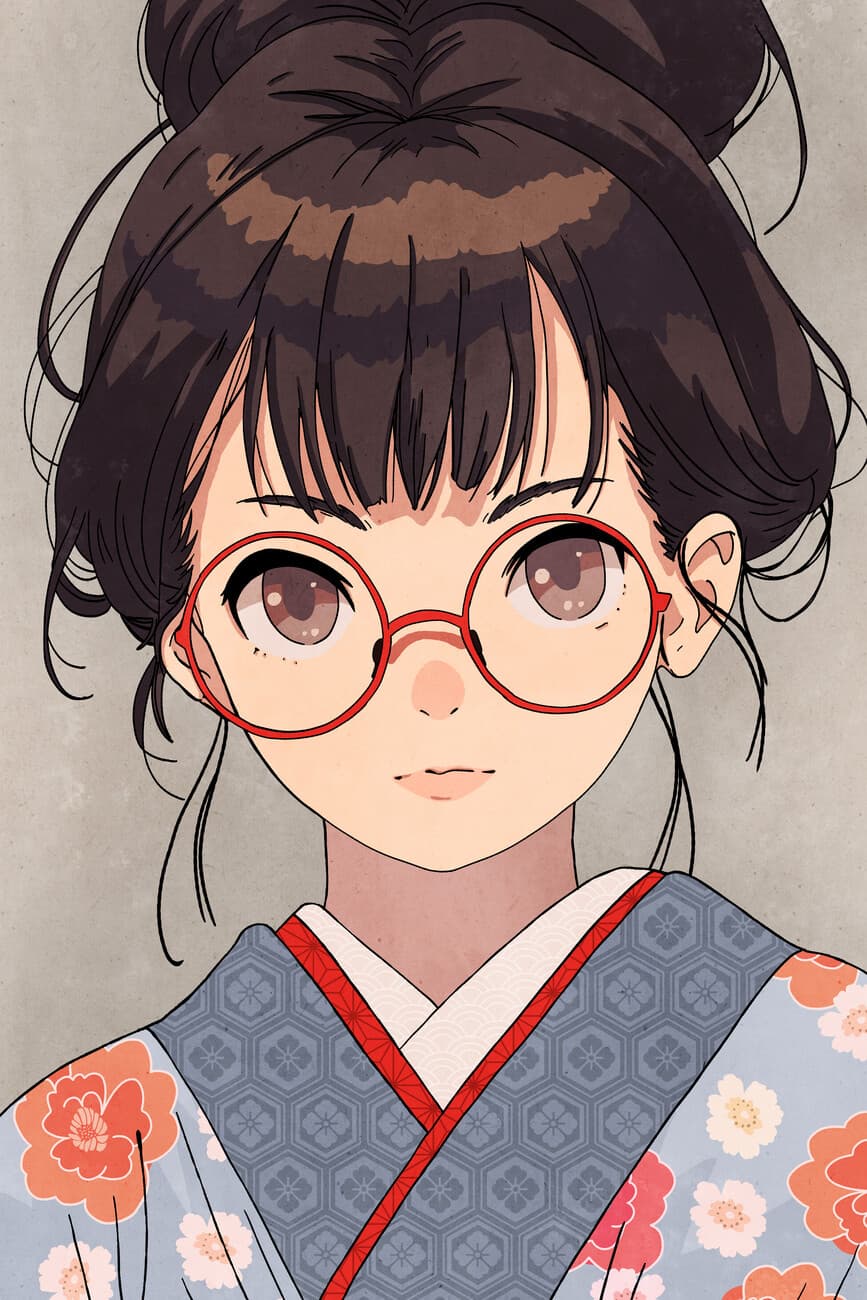
Start with a text description or template and instantly generate your original characters.
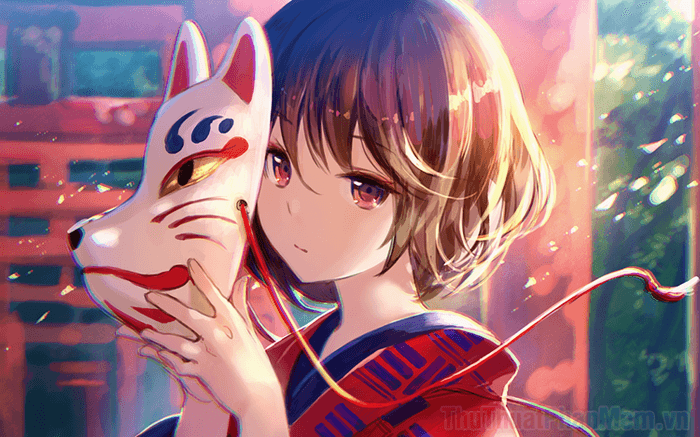
AI-powered OC Maker for artists, storytellers, and game developers. Customize hair, outfits, poses, expressions, and more.


Bring your anime stories to life from concept to final scene with our all-in-one anime creation workflow. OC Maker guides you through every step of the process, so you can focus on creativity, not technical hurdles.
Want to move from ideas to polished visuals? Try Elser AI's anime OC maker for faster concept art and character styling.
Start with a text description or template and instantly generate your original characters.
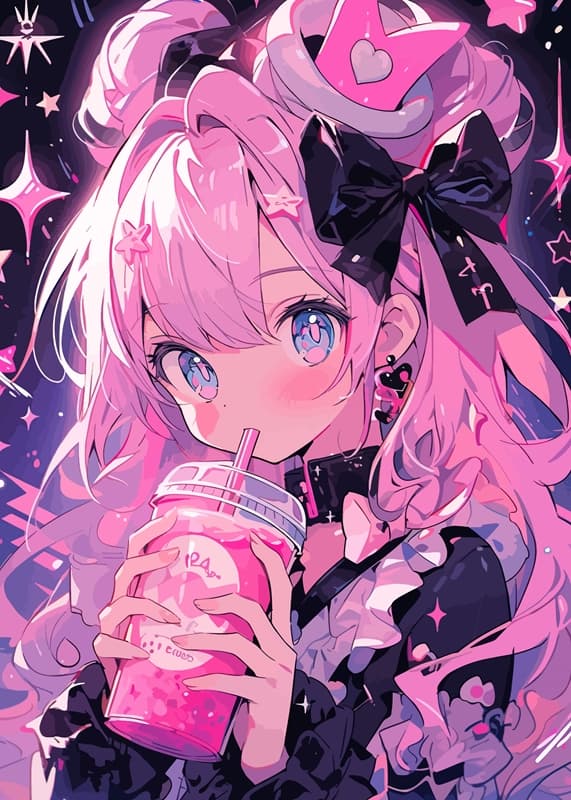
Adjust hair, outfits, expressions, and poses to match your vision. Choose from multiple anime styles: shonen, shojo, chibi, realistic anime, and more.
Place your characters in dynamic scenes, set the mood with backgrounds, lighting, and props.
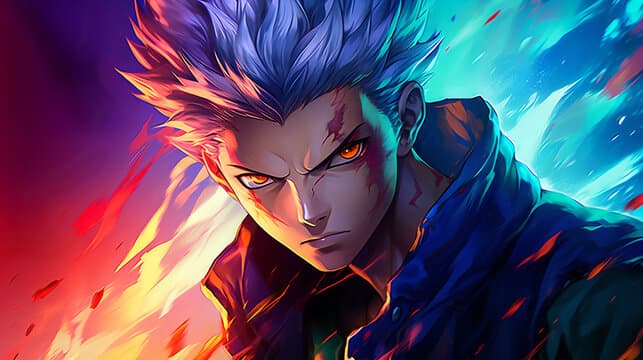
Apply simple animations or pose sequences to bring characters to life, from short clips to cinematic shots.
OCMakers categories
Choose a focused page for character planning, anime image generation, image animation, comic panels, or manga-style scenes.
Once your character concept is clear, you can create an original character in Elser AI and keep refining poses, outfits, and scene details.
Start by typing a description of your character or choosing from ready-made templates. Describe hairstyles, outfits, personality traits, or even magical powers. OC Maker’s AI understands your prompts and instantly generates a visual concept.
Fine-tune every detail: adjust hair, eyes, clothing, color palettes, accessories, and expressions. Choose from multiple anime styles—shonen, shojo, chibi, realistic anime, or even hybrid styles. Watch live previews as you tweak, so your vision comes to life exactly as imagined.
Place your character in dynamic poses and select backgrounds or props to match the scene. Whether it’s a dramatic fight scene, a casual school setting, or a fantasy world, OC Maker lets you set the mood effortlessly.
Bring your character to life with simple animations or multi-scene sequences. Preview in real time to see how your character moves and interacts with the environment, ensuring every frame matches your story.
Once satisfied, export your character in high-resolution PNG, GIF, or even video sequences. Perfect for social media posts, comics, game projects, webtoons, or portfolio showcases. Share instantly or download for further creative work.
Discover endless anime creations, one character at a time
For motion-ready results, try this anime OC maker workflow for animated scenes to turn still character ideas into short clips.
A: OC Maker supports a wide range of anime styles — shonen, shojo, chibi, realistic anime, cartoon, and hybrid styles. Mix and match to fit your vision perfectly.
A: Absolutely not! OC Maker’s AI handles all the technical drawing. You just describe your character, tweak features, and watch it come to life.
A: Yes! All characters generated can be used in games, comics, webtoons, or other commercial projects.
A: Yes, batch generation is supported. Create multiple variations of characters quickly to explore endless creative possibilities.
A: Characters can be exported in high-resolution PNG, GIF, or even short video sequences, ready for social media, games, or storytelling projects.
A: Yes! You can adjust hair, outfits, colors, expressions, poses, and accessories at any time. Every detail is fully editable.
A: Usually just a few seconds! OC Maker is designed for fast iteration so you can test ideas and refine characters effortlessly.
A: Absolutely. OC Maker supports scene setup, character poses, backgrounds, and simple animations, allowing you to generate full anime sequences with consistency.
Bring any character to life with the Elser AI OC Maker. No drawing, no limits—just pure creativity.